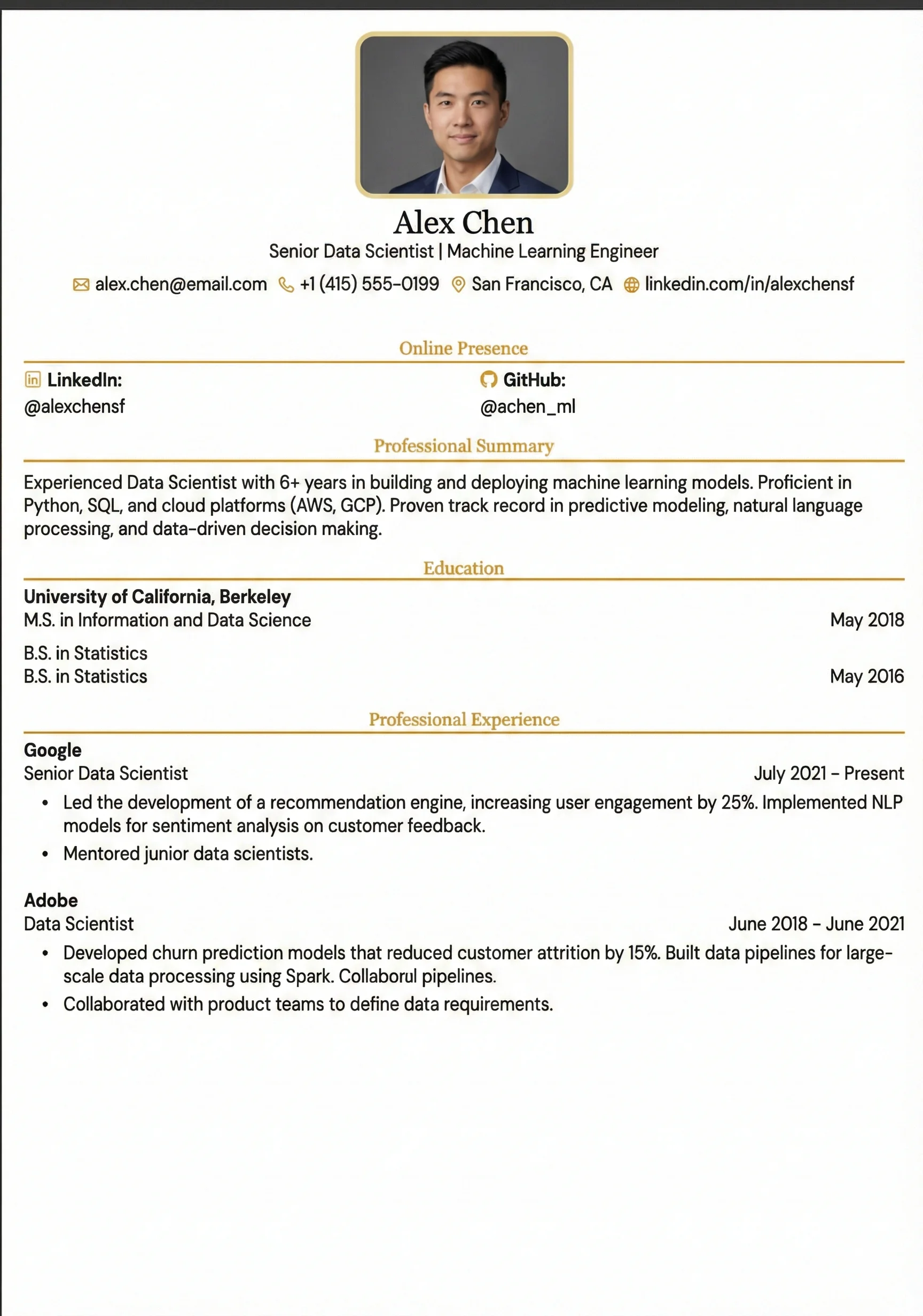
Entry Level
Single-column with a magenta left border accent; compact and efficient for entry-level or internship applications.
Why the Entry Level Layout Works
Simpler for ATS to parse (no layout ambiguity or column-reading errors)
Fills space effectively when professional work history is shorter
Emphasizes academic projects, capstones, and education more than years of experience
Easily expandable layout as your professional career grows
Common Pitfall to Avoid
Don't use personal pronouns like 'I' or 'my' excessively. Use active, past-tense verbs instead (e.g., 'Built' instead of 'I built').
Who Should Use This?
Recent college/university graduates, career changers with less than 2 years of experience, bootcamp graduates, or students transitioning from internships to their first entry-level role.
Recommended Job Roles:
What's Included in This Template
The Entry Level architecture contains all essential sections designed to satisfy human recruiters and parsing bots alike.
ATS Optimization Guidelines
Structure Education Cleanly
Include degree, school, graduation date, and bulleted relevant coursework (e.g. 'Data Structures, Web Development').
Highlight Academic Projects
List team or capstone projects as if they were jobs, focusing on the technologies used and the final outcome.
Quantify Non-Professional Work
Include volunteer work or part-time roles and focus on outcomes: e.g. 'Managed company Instagram, growing followers by 40%'.
Layout Pitfalls vs. Solutions
Avoid layout elements that crash parsing engines. Follow these formatting rules to stay safe.
| Don't | Do |
|---|---|
| ❌ Use vague language: 'Helped with project' | ✅ Use specific verbs: 'Built', 'Designed', 'Optimized' |
| ❌ Forget to include dates | ✅ Always include month/year or 'Expected [Month Year]' |
| ❌ List duties without outcomes | ✅ Always tie activities to results (e.g., improved efficiency by 15%) |
| ❌ Use personal pronouns excessively | ✅ Use past-tense action verbs: 'Built', 'Managed' |